Release communication guide
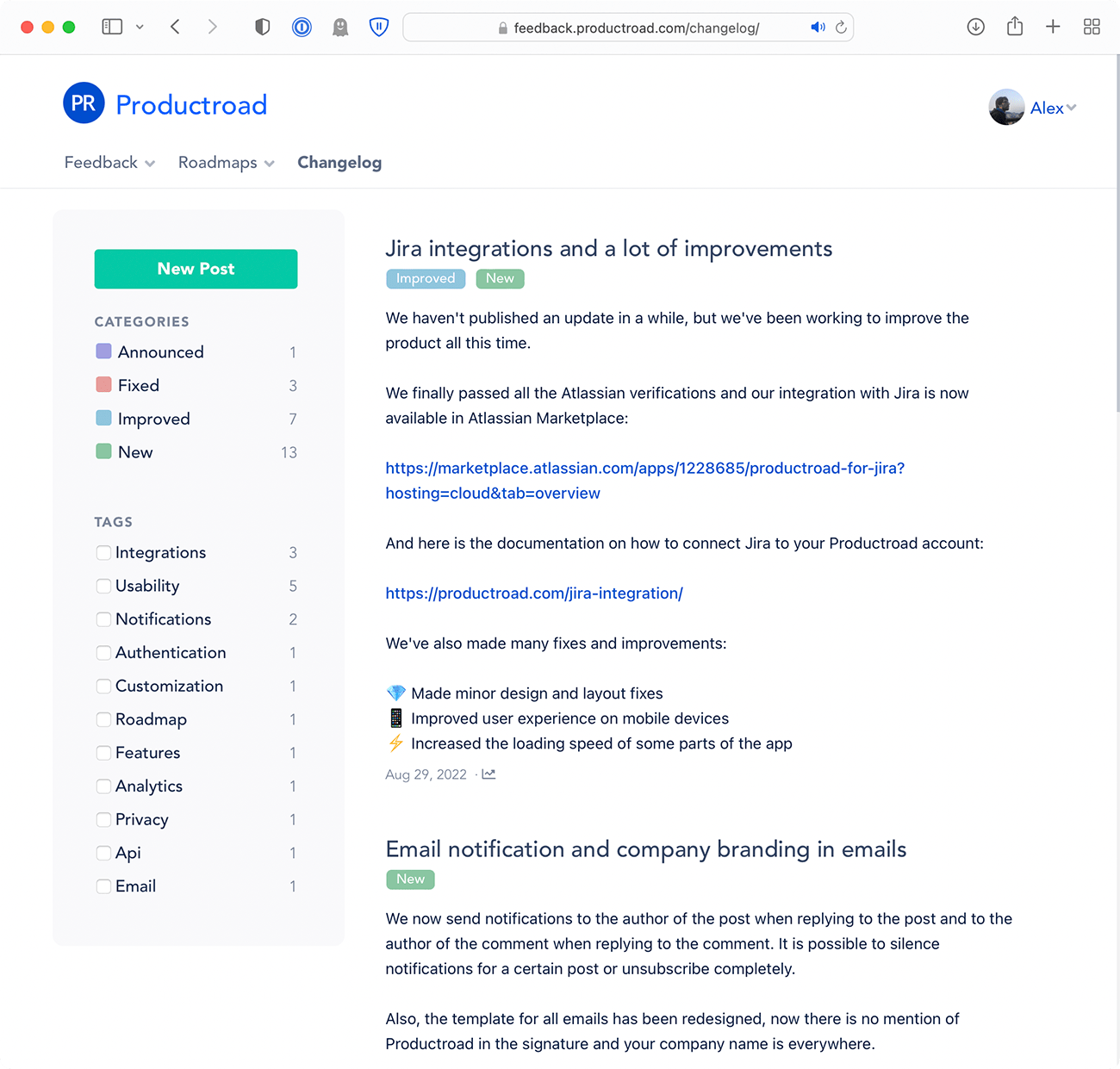
Product changelog examples customers can understand
A useful changelog explains the customer outcome, not only the code change. Keep entries concise, add the detail needed to act, and link to supporting documentation when the update changes an established workflow.
New feature and improvement examples
New feature: “You can now filter the activity report by workspace. Choose one or more workspaces from the filter bar; the URL preserves the selection when you share the report.”
Improvement: “Bulk editing now keeps your current filters after saving, so you can continue working through the same list instead of rebuilding the view.” Both examples name the change, action, and benefit without inflated language.
Fix, beta, and deprecation examples
Fix: “Resolved an issue that could hide newly uploaded images until the page was refreshed. Uploads now appear immediately.” Beta: state who has access, what to test, known limitations, and where to send feedback.
Deprecation: state what is changing, who is affected, the deadline, replacement steps, and a support path. Publish deprecations early and update the same entry when the migration state changes.
A repeatable changelog entry structure
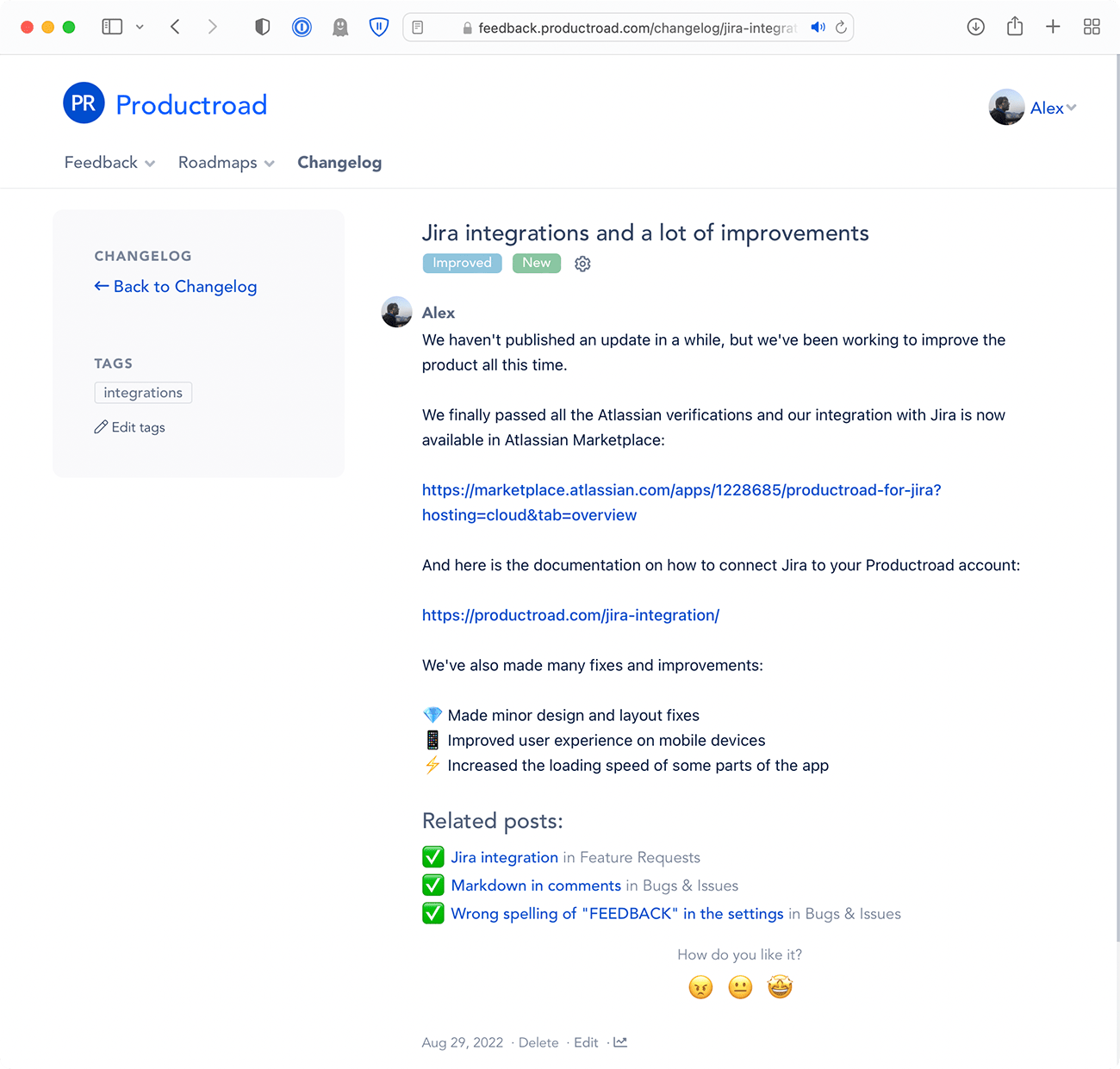
Lead with a descriptive title. In the first paragraph, state what changed and who benefits. Then explain how to use it, include an image or short video when useful, and link documentation or completed requests.
Use segments for audience-specific releases, schedule publication deliberately, and invite reactions or comments. Review engagement and support questions to improve the next announcement.