Workflow automation
Automate customer feedback workflows with Zapier
Subscribe a Zap to customer-feedback activity in Productroad and send that event to the tools your team already uses. A focused automation reduces manual notification work while Productroad remains the place where requests are consolidated and decisions are communicated.
Choose the feedback event that needs a response
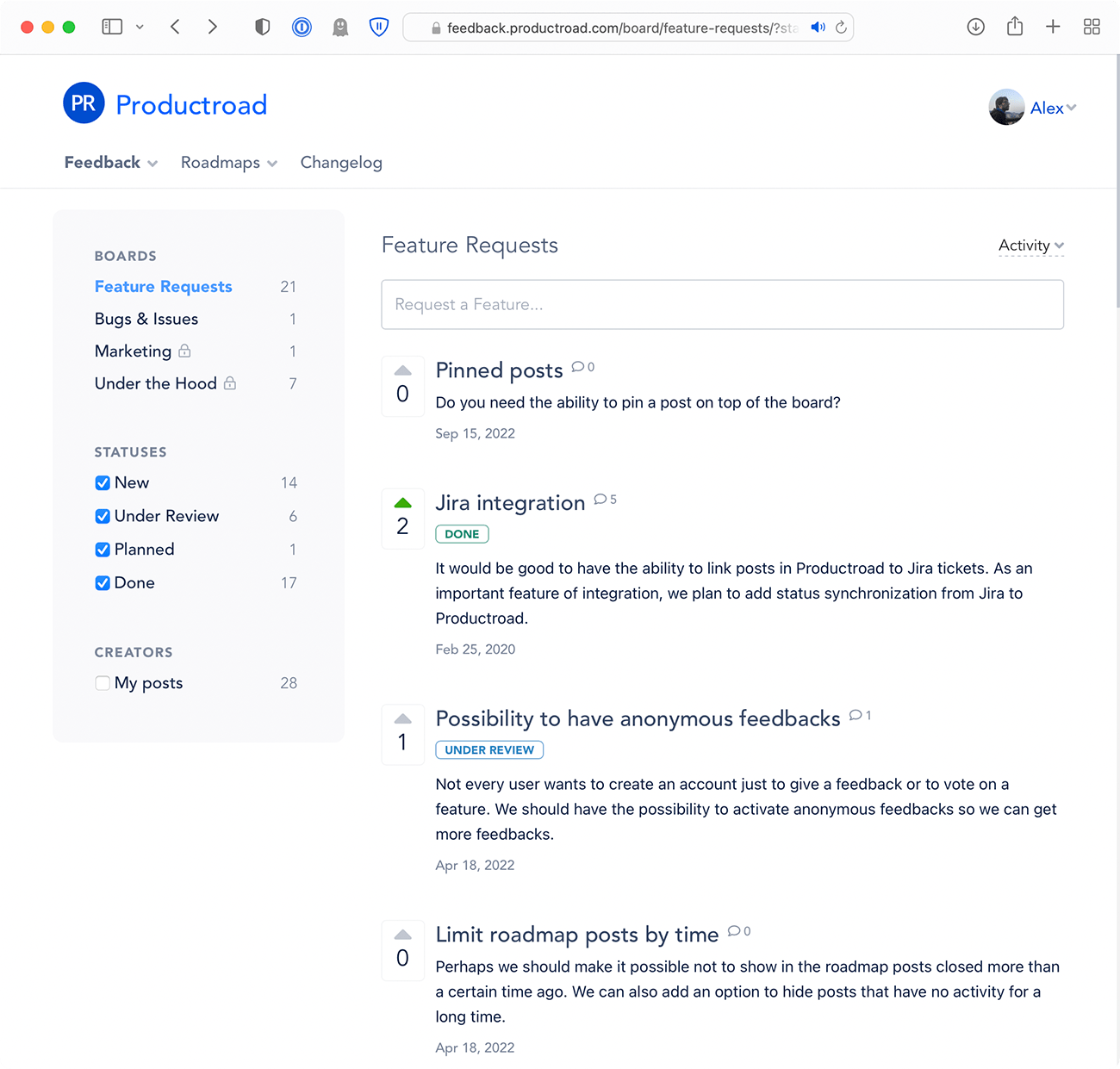
Productroad can send a Zapier webhook when a new post, comment, reply, upvote, or request status change occurs. Create a separate Zap for the event whose payload should start a downstream action.
Use this to notify an internal channel, add a follow-up task, or update another supported app. Keep each automation narrow enough that the receiving team knows what to do next.
Keep customer context in the hand-off
Productroad serializes the relevant post, comment, or vote into the webhook sent to Zapier. Map identifying fields and a link back to the original request so the destination does not become an ambiguous alert.
Treat Productroad as the shared discussion and status record. The Zap should distribute a useful event, not create a second unsynchronized customer backlog.
Design automation with a recovery path
Test the Zap with representative feedback and confirm how authentication, errors, retries, and duplicate deliveries behave in the destination. Give the automation an owner and a clear way to notice failures.
Review subscriptions when fields or workflows change. Disable obsolete Zaps so old webhooks do not continue sending activity to a process the team no longer monitors.